mirror of
https://github.com/jellyfin/jellyfin.git
synced 2026-07-16 05:43:54 +03:00
DLNA: Seek is not possible using LGTV #3171

Reference in New Issue
Block a user
Delete Branch "%!s()"
Deleting a branch is permanent. Although the deleted branch may continue to exist for a short time before it actually gets removed, it CANNOT be undone in most cases. Continue?
Originally created by @qkhanhpro on GitHub (Jul 28, 2021).
Describe the bug
DLNA: Seek is not possible using LGTV
System (please complete the following information):
0e2a6f8216To Reproduce
Start Jellyfin, Play any video from LG TV, Using DLNA, use the seek function
Expected behavior
The TV should be able to seek when using DLNA. I tried with Windows Media Player Network Sharing Service and is able to seek ( Also direct streaming )
The DLNA Profile I used
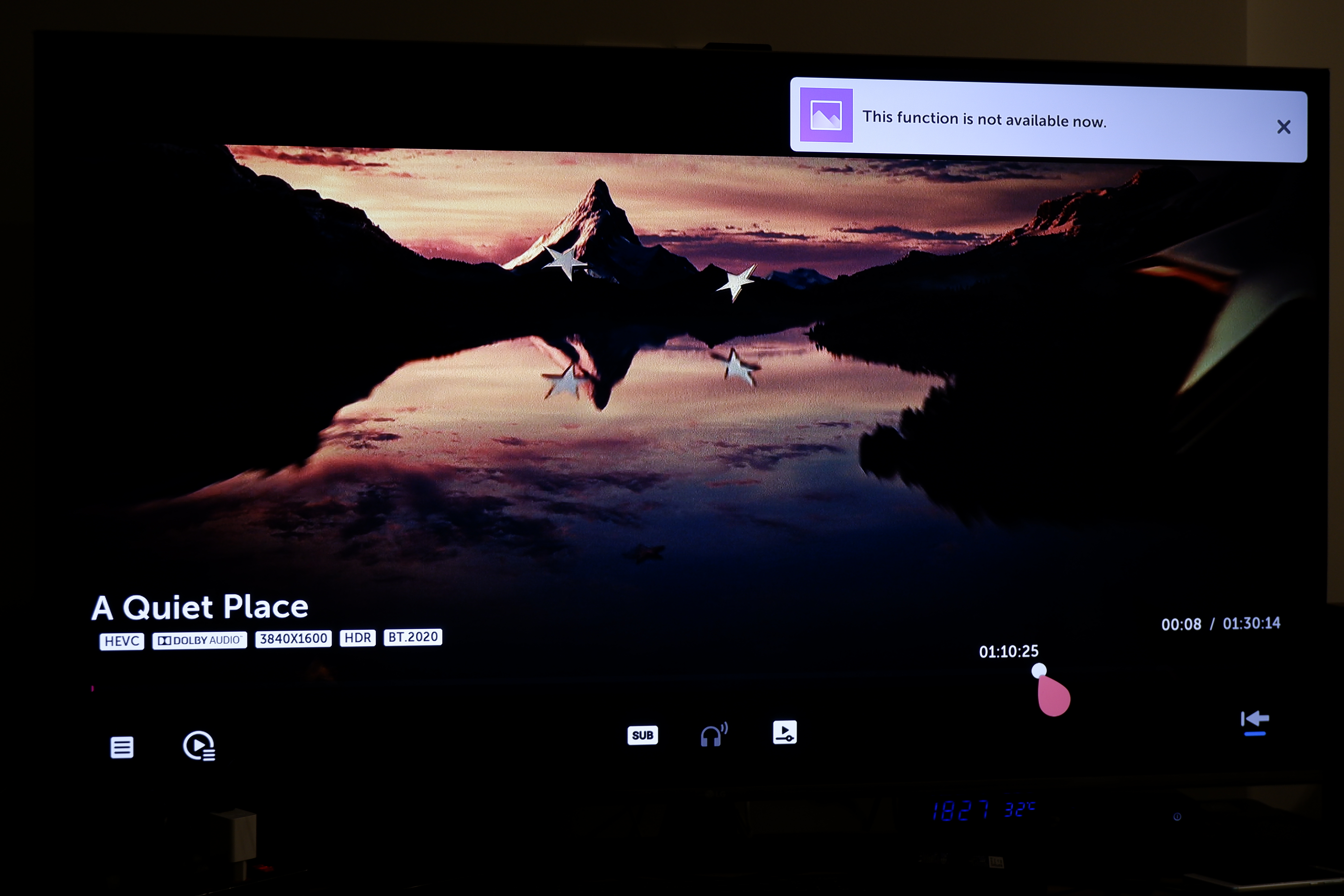
Seeking is possible with Windows Media Sharing. The video is Direct Playing, HEVC codec is kept. there is a thumbnail indicating content at the seek bar

With Jellyfin, seeking is disabled (So does fastforward/fastbackward/resume play)
@amzamzamzamz commented on GitHub (Aug 4, 2021):
+1
transcoding failed on Athlon 200GE and LGTV after upgrading software
@qkhanhpro commented on GitHub (Aug 8, 2021):
Will just keep update my findings here
Some wireshark capture with Jellyfin
https://github.com/qkhanhpro/public-files/blob/main/LGtoJelly.pcapng
https://github.com/qkhanhpro/public-files/blob/main/LGtoWin.pcapng
@qkhanhpro commented on GitHub (Aug 21, 2021):
Same issue with Emby latest build. Seems like it's a bug that Jellyfin inherits from Emby
@qkhanhpro commented on GitHub (Sep 28, 2021):
This issue is already fixed in Emby at least from 3.5.3.0 onward. This can be confirmed by downloading Emby here
https://github.com/MediaBrowser/Emby.Releases/releases/tag/3.5.3.0
However, the latest code from master branch here still have this issue
https://github.com/MediaBrowser/Emby
Someone have any idea?
@amzamzamzamz commented on GitHub (Sep 28, 2021):
All works fine with latest update
https://hub.docker.com/r/linuxserver/jellyfin
@jorants commented on GitHub (Jan 4, 2022):
I have the same problem when playing transcoded video to my LG webOS tv. Just recreated the docker container with the latest image (v10.7.7) for jellyfin and the problem persists. Seeking does work when using direct play. Tried many different video formats, as well as changing the advanced transcoding options under DLNA->profiles->-> transcoding. no luck with any combination of settings. Maybe it relates to https://github.com/gerbera/gerbera/issues/839 ? I know to little about DLNA to really be a help here.
@jorants commented on GitHub (Jan 5, 2022):
Reporting this capability seems to be handled in
MediaBrowser.Model/Dlna/ContentFeatureBuilder.csandMediaBrowser.Model/Dlna/DlnaMaps.cs. There is a comment about LG TVs in the first file above an out commented part about seeking (line 160), placed by Marius Luca (@marius-luca-87 ), maybe they can shine a light on this?I tried adding back the code and adding back
opOrglater on, forcing time seeking to be reported as a capability. The TV assumes seeking is possible but crashes withfile format not recognizedas soon as you actually seek.@qkhanhpro commented on GitHub (Jan 5, 2022):
Thank you a lot @jorants !
I uncommented that code path and it works perfectly on my LG 55UM7600
Seems like for some other LGTV it fails , following the comment made by marius-luca-87 "TimeBasedSeek and orgPn causes the DLNA playback to fail (format not supported). Further investigations are needed before enabling the remaining code paths."
@marius-luca-87 commented on GitHub (Jan 5, 2022):
As mentioned in https://github.com/jellyfin/jellyfin/pull/6907 I tried myself un-commenting the code that reports SEEK support on transcoded streams and run into the
file format not recognizedissue. I would recommend keeping the particular code path as a DLNA profile option if somebody else wants to add it since it would break playback for some people.In the Wireshark captures I didn't notice anything wrong at the DLNA headers we set.
The TV's I tested on were LG CX3 and Samsung Q6FNA .
I tried testing both Plex and Emby to see if any have DLNA seek support working for the TV's mentioned and run into the same issue.
@jorants commented on GitHub (Jan 5, 2022):
I tried Emby but the TV also does not recognize the file format there (I could not get Plex to transcode). I have an LG oled48a16l, running webos 03.21.00.
As it might be a codec/container format mismatch, @qkhanhpro can you share the format before transcoding (container, codec,audio) and the ffmpeg logs for the file that you got working this way?
@qkhanhpro commented on GitHub (Jan 5, 2022):
@jorants I did not have to transcode. My target is to DirectPlay / DirectStream everything and basically the 55UM7600 can chew through most codecs without the need for transcoding. My issue was that I can not seek when I was DirectPlay / DirectStream -ing. So I am afraid that my issue is the reverse of what you are experiencing
Edit: In-fact. The commit #6907 from marius-luca-87 fixed my original issue, not un-commenting the code path. Thank you for that!
@marius-luca-87 commented on GitHub (Jan 5, 2022):
There are two cases for SEEK on DLNA.
The remaining commented code would address issues number 2. However I was not able to get that working because of the unknown format issue.
@BubiBalboa commented on GitHub (Jul 7, 2022):
The update from 10.7.7 to 10.8.1 broke this functionality again for me. Symptoms are exactly the same as described in the first post. I use Direct Play on an LG C1.Never mind. Today it works again. Might have been some kind of glitch.