WYSWYG editor cached as old version #2932

Closed
opened 2026-02-05 05:46:39 +03:00 by OVERLORD · 10 comments
Owner

Originally created by @cevinov on GitHub (Jul 31, 2022).

Attempted Debugging

  • I have read the debugging page

Searched GitHub Issues

  • I have searched GitHub for the issue.

Describe the Scenario

Hello,
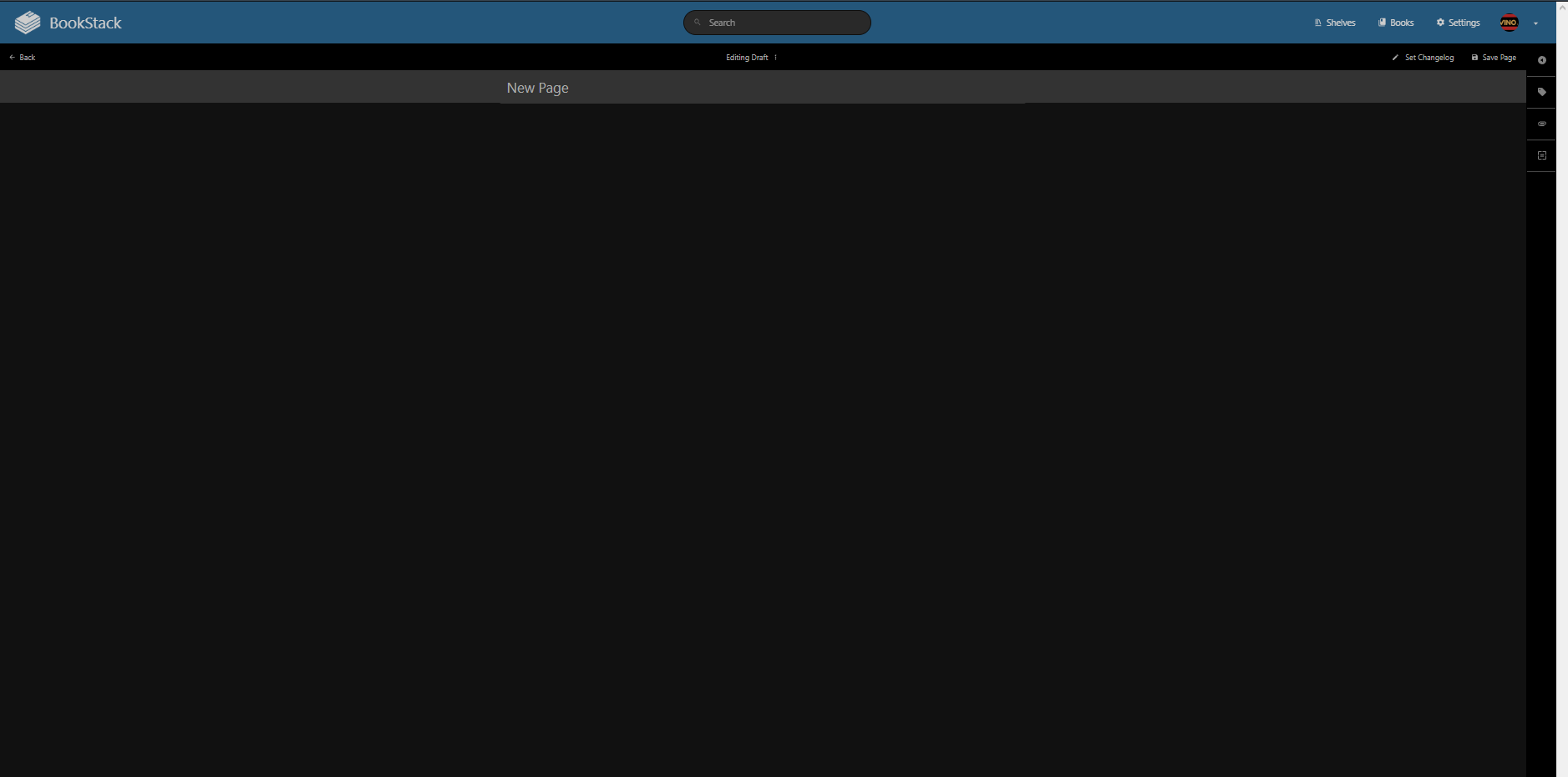
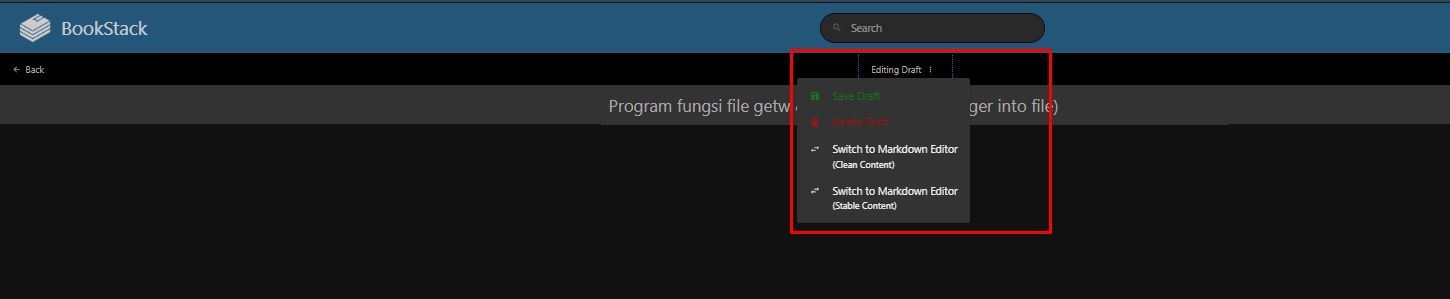
I have question. After updating from bookstack v22.03 to 22.07, I can't edit the page. It's just a blank screen, and there are 2 options (clean or stable content). How do I edit my page with the normal one?

Thanks.
pic1
pic2
pic3
No cursor (WYSIWYG)

Exact BookStack Version

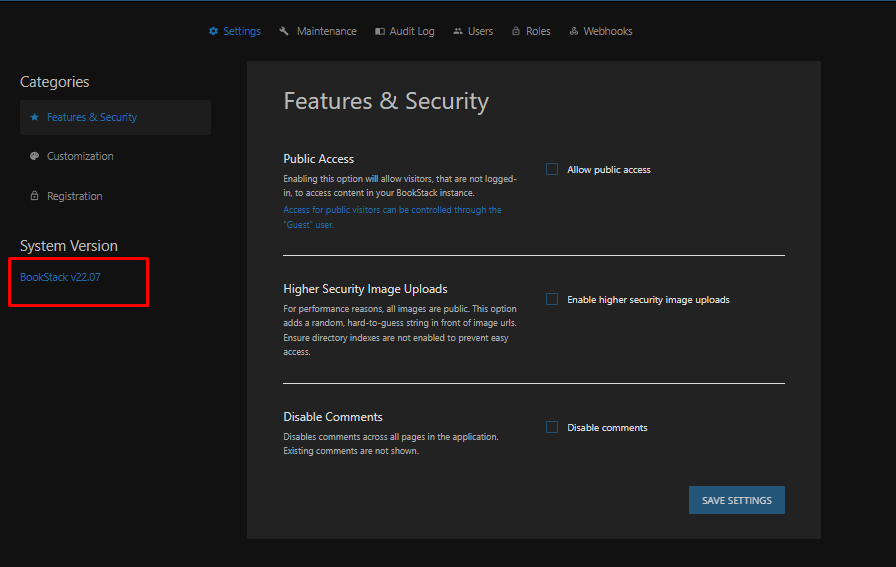
v22.07

Log Content

No response

PHP Version

No response

Hosting Environment

Oracle Cloud

Originally created by @cevinov on GitHub (Jul 31, 2022). ### Attempted Debugging - [ ] I have read the debugging page ### Searched GitHub Issues - [X] I have searched GitHub for the issue. ### Describe the Scenario Hello, I have question. After updating from bookstack v22.03 to 22.07, I can't edit the page. It's just a blank screen, and there are 2 options (clean or stable content). How do I edit my page with the normal one? Thanks. ![pic1](https://user-images.githubusercontent.com/94840989/182007240-a4028e32-32dd-4ed9-bf21-536cc619cd04.png) ![pic2](https://user-images.githubusercontent.com/94840989/182007241-89f05d61-72d9-462c-978a-1ce447b3a865.png) ![pic3](https://user-images.githubusercontent.com/94840989/182007381-df57e995-0dd4-4900-ae17-91c7c2d6bd2a.png) No cursor (WYSIWYG) ### Exact BookStack Version v22.07 ### Log Content _No response_ ### PHP Version _No response_ ### Hosting Environment Oracle Cloud
OVERLORD added the 🐕 Support label 2026-02-05 05:46:39 +03:00
Author
Owner

@ThomasK1966 commented on GitHub (Jul 31, 2022):

Hi, I have the same problem and the sam version of bottstack. My bookstack runs on docker with this image: tiredofit/bookstack. I think this is a problem with the WYSIWYG-Editor. If I switch to markdown, then I can edit the page.

@ThomasK1966 commented on GitHub (Jul 31, 2022): Hi, I have the same problem and the sam version of bottstack. My bookstack runs on docker with this image: tiredofit/bookstack. I think this is a problem with the WYSIWYG-Editor. If I switch to markdown, then I can edit the page.
Author
Owner

@ssddanbrown commented on GitHub (Jul 31, 2022):

@ThomasK1966 @cevinov This is likely a JavaScript issue occuring somewhere.
It would be helpful to provide any errors in the browser developer console. At a high level, this usually involves:

  1. Open the "Developer tools" within the browser. (Method depends on browser in use)
  2. Click on the "Console" tab.
  3. Reload the page where the issue occurs.
  4. Share any lines that are logged in red.
@ssddanbrown commented on GitHub (Jul 31, 2022): @ThomasK1966 @cevinov This is likely a JavaScript issue occuring somewhere. It would be helpful to provide any errors in the browser developer console. At a high level, this usually involves: 1. Open the "Developer tools" within the browser. (Method depends on browser in use) 2. Click on the "Console" tab. 3. Reload the page where the issue occurs. 4. Share any lines that are logged in red.
Author
Owner

@ThomasK1966 commented on GitHub (Jul 31, 2022):

Hi @ssddanbrown, thank you for the fast replay.
Here the output of the console-tab after reload the page:

tinymce.min.js?ver=5.10.2:9 Uncaught TypeError: i is not a constructor at w1 (tinymce.min.js?ver=5.10.2:9:342591) at _x.<anonymous> (tinymce.min.js?ver=5.10.2:9:344979) at Array.<anonymous> (tinymce.min.js?ver=5.10.2:9:98435) at ce (tinymce.min.js?ver=5.10.2:9:4670) at u (tinymce.min.js?ver=5.10.2:9:98381) at tinymce.min.js?ver=5.10.2:9:98197 at a.onload (tinymce.min.js?ver=5.10.2:9:96962)

@ThomasK1966 commented on GitHub (Jul 31, 2022): Hi @ssddanbrown, thank you for the fast replay. Here the output of the console-tab after reload the page: `tinymce.min.js?ver=5.10.2:9 Uncaught TypeError: i is not a constructor at w1 (tinymce.min.js?ver=5.10.2:9:342591) at _x.<anonymous> (tinymce.min.js?ver=5.10.2:9:344979) at Array.<anonymous> (tinymce.min.js?ver=5.10.2:9:98435) at ce (tinymce.min.js?ver=5.10.2:9:4670) at u (tinymce.min.js?ver=5.10.2:9:98381) at tinymce.min.js?ver=5.10.2:9:98197 at a.onload (tinymce.min.js?ver=5.10.2:9:96962)`
Author
Owner

@ssddanbrown commented on GitHub (Jul 31, 2022):

@ThomasK1966 Thanks.

Could you try a browser hard refresh while on the edit page?

Then let me know if that fixes things.

@ssddanbrown commented on GitHub (Jul 31, 2022): @ThomasK1966 Thanks. Could you try a [browser hard refresh](https://www.howtogeek.com/672607/how-to-hard-refresh-your-web-browser-to-bypass-your-cache/) while on the edit page? Then let me know if that fixes things.
Author
Owner

@ThomasK1966 commented on GitHub (Jul 31, 2022):

@ssddanbrown The browser hard refresh was the solution for me :-) Now I can edit the page as in older version.
Thank you 👍

@ThomasK1966 commented on GitHub (Jul 31, 2022): @ssddanbrown The browser hard refresh was the solution for me :-) Now I can edit the page as in older version. Thank you :+1:
Author
Owner

@ssddanbrown commented on GitHub (Jul 31, 2022):

@ThomasK1966 Thanks for confirming and your fast responses.

I usually force-break the browser cache upon changes but forgot to do that here.
Have re-titled this issue and assigned it to the next patch release, as a reminder to break this cache.
As above, this can be worked-around by performing a browser hard refresh.

@ssddanbrown commented on GitHub (Jul 31, 2022): @ThomasK1966 Thanks for confirming and your fast responses. I usually force-break the browser cache upon changes but forgot to do that here. Have re-titled this issue and assigned it to the next patch release, as a reminder to break this cache. As above, this can be worked-around by performing a browser hard refresh.
Author
Owner

@cevinov commented on GitHub (Jul 31, 2022):

@ThomasK1966 @cevinov This is likely a JavaScript issue occuring somewhere. It would be helpful to provide any errors in the browser developer console. At a high level, this usually involves:

  1. Open the "Developer tools" within the browser. (Method depends on browser in use)
  2. Click on the "Console" tab.
  3. Reload the page where the issue occurs.
  4. Share any lines that are logged in red.

Hello
This is my log
DevTools failed to load source map: Could not load content for https://wiki.vino0333.my.id/dist/code.js.map: HTTP error: status code 404, net::ERR_HTTP_RESPONSE_CODE_FAILURE

@cevinov commented on GitHub (Jul 31, 2022): > @ThomasK1966 @cevinov This is likely a JavaScript issue occuring somewhere. It would be helpful to provide any errors in the browser developer console. At a high level, this usually involves: > > 1. Open the "Developer tools" within the browser. (Method depends on browser in use) > 2. Click on the "Console" tab. > 3. Reload the page where the issue occurs. > 4. Share any lines that are logged in red. Hello This is my log DevTools failed to load source map: Could not load content for https://wiki.vino0333.my.id/dist/code.js.map: HTTP error: status code 404, net::ERR_HTTP_RESPONSE_CODE_FAILURE
Author
Owner

@cevinov commented on GitHub (Jul 31, 2022):

@ThomasK1966 Thanks for confirming and your fast responses.

I usually force-break the browser cache upon changes but forgot to do that here. Have re-titled this issue and assigned it to the next patch release, as a reminder to break this cache. As above, this can be worked-around by performing a browser hard refresh.

It solved thanks, I will wait for the next update.

Summary for this issue, i need to learn HTML hahaha.

@cevinov commented on GitHub (Jul 31, 2022): > @ThomasK1966 Thanks for confirming and your fast responses. > > I usually force-break the browser cache upon changes but forgot to do that here. Have re-titled this issue and assigned it to the next patch release, as a reminder to break this cache. As above, this can be worked-around by performing a browser hard refresh. It solved thanks, I will wait for the next update. Summary for this issue, i need to learn HTML hahaha.
Author
Owner

@ssddanbrown commented on GitHub (Jul 31, 2022):

@cevinov Thanks for confirming, I'm going to leave this open until I've addressed the cache from our side.

@ssddanbrown commented on GitHub (Jul 31, 2022): @cevinov Thanks for confirming, I'm going to leave this open until I've addressed the cache from our side.
Author
Owner

@ssddanbrown commented on GitHub (Aug 2, 2022):

This has now been addressed in 8d6071cb84, and so we should not have the same problem in future release. Will be part of the next patch release.

@ssddanbrown commented on GitHub (Aug 2, 2022): This has now been addressed in 8d6071cb8456cff51b30c44486fbdd24b7aa01c8, and so we should not have the same problem in future release. Will be part of the next patch release.
Sign in to join this conversation.
1 Participants
Notifications
Due Date
No due date set.
Dependencies

No dependencies set.

Reference: starred/BookStack#2932