mirror of
https://github.com/BookStackApp/BookStack.git
synced 2026-07-16 05:33:49 +03:00
Draw.io Diagrams.net - Inline images disapearing #2877

Reference in New Issue
Block a user
Delete Branch "%!s()"
Deleting a branch is permanent. Although the deleted branch may continue to exist for a short time before it actually gets removed, it CANNOT be undone in most cases. Continue?
Originally created by @securenotebook on GitHub (Jun 26, 2022).
Describe the Bug
Hi,
I'm running into an issue when I create a diagram using the drawing button via the embedded drawing editor.
Everything else is working great.
Running via Docker Compose: https://github.com/linuxserver/docker-bookstack/pkgs/container/bookstack
When I create the drawing, I can see a new folder created within the container and the image exists.
root@fd691f82f262:/# cd /config/www/uploads/images/drawio/
root@fd691f82f262:/config/www/uploads/images/drawio# ls
2022-06
root@fd691f82f262:/config/www/uploads/images/drawio# cd 2022-06/
root@fd691f82f262:/config/www/uploads/images/drawio/2022-06# ls
drawing-1-1656208598.png drawing-1-1656208685.png
root@fd691f82f262:/config/www/uploads/images/drawio/2022-06#
The source code for the previous image reveals this path from last month - now that path no longer exists - I'm unsure if the folder is expiring, getting overwritten
http://192.168.1.155:6875/uploads/images/drawio/2022-05/drawing-1-1653637858.png
As I type this, I realize it may be a bug with the linuxserver image - however, I'd like to share in case anyone runs into this issue. After rebooting the container, 2022-06 folder is retained.
Steps to Reproduce
Expected Behaviour
Image preview should persist in /config/www/uploads/images/drawio/ and the drawio file be editable at a later date
Screenshots or Additional Context
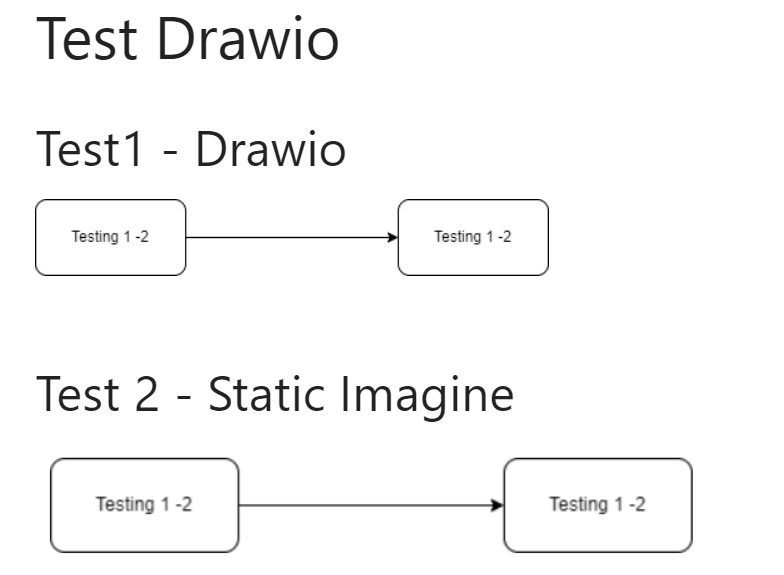
When first Created - everything works as expected:
Browser Details
Chrome
Exact BookStack Version
BookStack v21.10.2
PHP Version
No response
Hosting Environment
OS: Unraid
Docker-compose: https://github.com/linuxserver/docker-bookstack/pkgs/container/bookstack
@ssddanbrown commented on GitHub (Jun 26, 2022):
Hi @securenotebook,
Are you mounting the
/configcontainer as a volume as per the guidance for that container?@securenotebook commented on GitHub (Jun 26, 2022):
Hi Dan,
thanks for the follow-up, yes I copied the docker-compose file per below:
I should have changed "/path/to/data" to something more meaningful - however, the volume exists and i can see the data
@ssddanbrown commented on GitHub (Jun 26, 2022):
From your
/path/to/dataoutput, it looks like these folders/files were created early june, but your original image reference and instance version refers back much further than this.Did your setup/install change earlier this month?
@securenotebook commented on GitHub (Jun 27, 2022):
Hi Dan,
thanks, your date comment helped me work it out - 100% my fault /path/to/data is not persisting when Unraid reboots....
I've moved the volume to the array and everything is working fine now.
thanks again, great software! sorry for wasting your time!
@ssddanbrown commented on GitHub (Jun 27, 2022):
@securenotebook No worries, happy to help. Glad you found the cause!