Getting 404 not found on resources. #1912

Closed
opened 2026-02-05 02:11:34 +03:00 by OVERLORD · 9 comments
Owner

Originally created by @Niquify on GitHub (Oct 21, 2020).

Describe the bug
I've been trying to recover a BookStack installation from a backup for a client on a Plesk server. I don't have any configuration files that I could use and the domain hasn't changed. When entering the website it's missing all css and js files and you can see they're all giving a 404 error. I followed the manual installation right before the php artisan migrate step.

Steps To Reproduce
Steps to reproduce the behavior:

  1. Go to the website.
  2. All assets are missing.

Expected behavior
The website can properly find and load the files from dist/

Screenshots
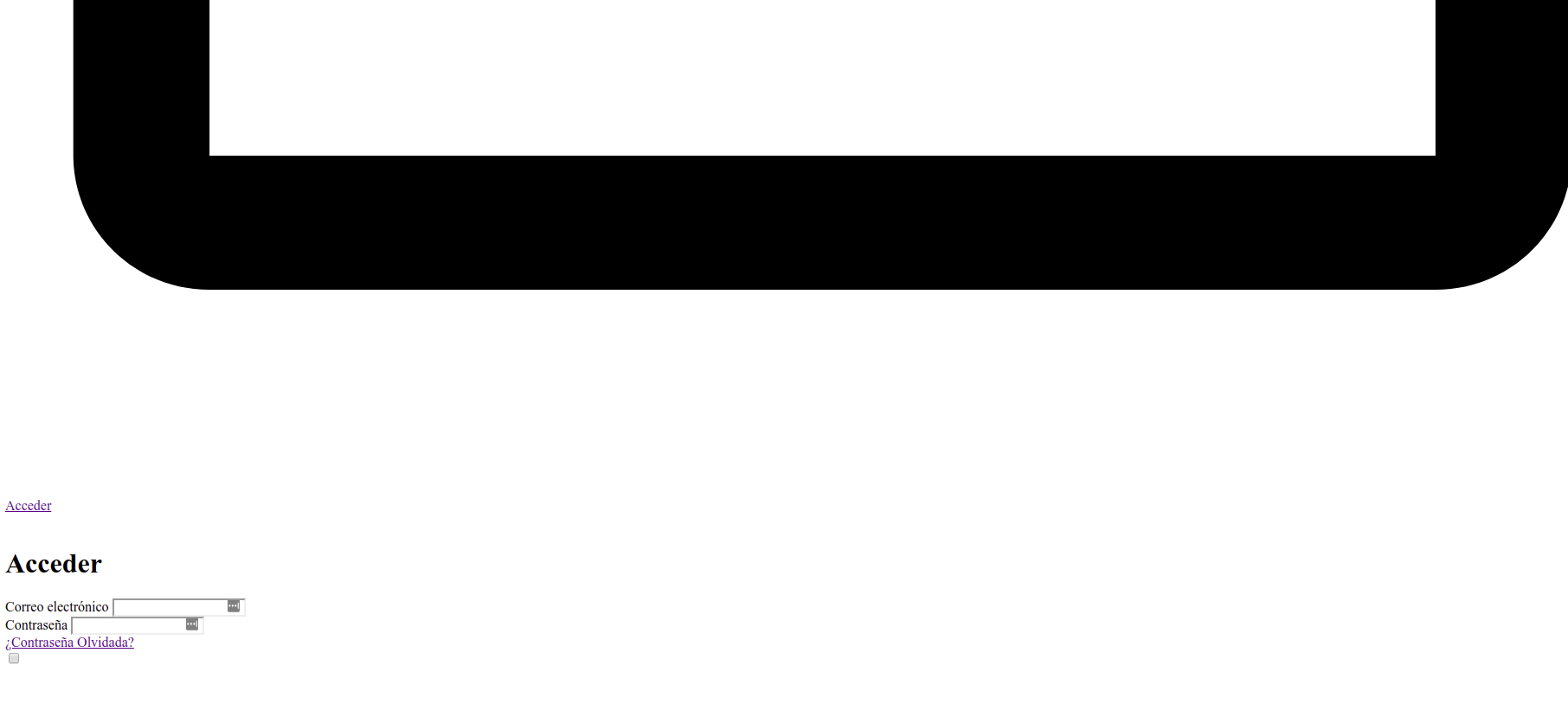
If applicable, add screenshots to help explain your problem.
image
image

Your Configuration (please complete the following information):

  • Exact BookStack Version (Found in settings): v0.30.3
  • PHP Version: 7.4
  • Hosting Method (Nginx/Apache/Docker): Apache. Using Plesk.

Additional context
I added the following config to Apache:

ServerAdmin admin@example.com
DocumentRoot /var/www/vhosts/{domain}/{subdomain}.{domain}/public
ServerName {domain}

<Directory /var/www/vhosts/{domain}/{subdomain}.{domain}/public/>
	Options FollowSymlinks
	AllowOverride All
	Require all granted
</Directory>

If I don't have this config, I can go to domain.com/public/login and it works fine, though that's not the recommended configuration.

image

The BookStack installation seems to work, but it won't load any files.

Originally created by @Niquify on GitHub (Oct 21, 2020). **Describe the bug** I've been trying to recover a BookStack installation from a backup for a client on a Plesk server. I don't have any configuration files that I could use and the domain hasn't changed. When entering the website it's missing all css and js files and you can see they're all giving a 404 error. I followed the manual installation right before the php artisan migrate step. **Steps To Reproduce** Steps to reproduce the behavior: 1. Go to the website. 2. All assets are missing. **Expected behavior** The website can properly find and load the files from dist/ **Screenshots** If applicable, add screenshots to help explain your problem. ![image](https://user-images.githubusercontent.com/8874280/96750868-c851eb00-13cc-11eb-8209-59981e9087d5.png) ![image](https://user-images.githubusercontent.com/8874280/96750900-d273e980-13cc-11eb-9698-67cf48657cd9.png) **Your Configuration (please complete the following information):** - Exact BookStack Version (Found in settings): v0.30.3 - PHP Version: 7.4 - Hosting Method (Nginx/Apache/Docker): Apache. Using Plesk. **Additional context** I added the following config to Apache: ``` ServerAdmin admin@example.com DocumentRoot /var/www/vhosts/{domain}/{subdomain}.{domain}/public ServerName {domain} <Directory /var/www/vhosts/{domain}/{subdomain}.{domain}/public/> Options FollowSymlinks AllowOverride All Require all granted </Directory> ``` If I don't have this config, I can go to domain.com/public/login and it works fine, though that's not the recommended configuration. ![image](https://user-images.githubusercontent.com/8874280/96751338-56c66c80-13cd-11eb-8151-803d5481fbb3.png) The BookStack installation seems to work, but it won't load any files.
OVERLORD added the 🐕 Support label 2026-02-05 02:11:34 +03:00
Author
Owner

@ssddanbrown commented on GitHub (Dec 17, 2020):

Hi @Niquify,
Sorry for my late response, Are you still experiencing issues?

If so, double check that the .env file and check the APP_URL value aligns with the URL you're now hosting BookStack on, including the starting http/https part.

Failing that, we'll need to see what URL bookstack is trying to access the resources on, by looking at the page source.

If you are accessing the instance with public in the URL then it's likely that you could have an insecure configuration unless specific care has been made.

@ssddanbrown commented on GitHub (Dec 17, 2020): Hi @Niquify, Sorry for my late response, Are you still experiencing issues? If so, double check that the `.env` file and check the `APP_URL` value aligns with the URL you're now hosting BookStack on, including the starting http/https part. Failing that, we'll need to see what URL bookstack is trying to access the resources on, by looking at the page source. If you are accessing the instance with `public` in the URL then it's likely that you could have an insecure configuration unless specific care has been made.
Author
Owner

@Niquify commented on GitHub (Dec 18, 2020):

Hey @ssddanbrown,
The APP_URL value matches the URL for bookstack.

The resources that are returning 404 are being accesed on APP_URL/dist/, ex: example.com/dist/file.js

image

@Niquify commented on GitHub (Dec 18, 2020): Hey @ssddanbrown, The APP_URL value matches the URL for bookstack. The resources that are returning 404 are being accesed on APP_URL/dist/, ex: example.com/dist/file.js ![image](https://user-images.githubusercontent.com/8874280/102637934-09f5dc80-4157-11eb-9faf-178d4473ff7d.png)
Author
Owner

@ssddanbrown commented on GitHub (Dec 18, 2020):

@Niquify Okay, What do you see when you attempt to directly go to the URL https://<domain>/dist/app.js?

@ssddanbrown commented on GitHub (Dec 18, 2020): @Niquify Okay, What do you see when you attempt to directly go to the URL `https://<domain>/dist/app.js`?
Author
Owner

@Niquify commented on GitHub (Dec 18, 2020):

@ssddanbrown I get a 404 Not Found

image

The app.js file can be found on public/dist/app.js

@Niquify commented on GitHub (Dec 18, 2020): @ssddanbrown I get a 404 Not Found ![image](https://user-images.githubusercontent.com/8874280/102640033-2d6e5680-415a-11eb-81c9-988889560a95.png) The app.js file can be found on public/dist/app.js
Author
Owner

@ssddanbrown commented on GitHub (Dec 18, 2020):

Thanks for confirming @Niquify,

That 404 page is showing nginx whereas your configuration above is for apache. Which server do you intend to use BookStack on? If nginx, Please can you share the nginx configuration you have configured for BookStack?

@ssddanbrown commented on GitHub (Dec 18, 2020): Thanks for confirming @Niquify, That 404 page is showing nginx whereas your configuration above is for apache. Which server do you intend to use BookStack on? If nginx, Please can you share the nginx configuration you have configured for BookStack?
Author
Owner

@ssddanbrown commented on GitHub (Feb 12, 2021):

Since there's been no follow-up I'm going to close this. If the issue remains and is something you still require to be fixed please open a new issue, referencing this one.

@ssddanbrown commented on GitHub (Feb 12, 2021): Since there's been no follow-up I'm going to close this. If the issue remains and is something you still require to be fixed please open a new issue, referencing this one.
Author
Owner

@mrdarrengriffin commented on GitHub (Feb 23, 2021):

I'd like to re-open this if possible. I am using Plesk but when I navigate to the resource directly, I get the 404 page but with no CSS, ironically.

image

@mrdarrengriffin commented on GitHub (Feb 23, 2021): I'd like to re-open this if possible. I am using Plesk but when I navigate to the resource directly, I get the 404 page but with no CSS, ironically. ![image](https://user-images.githubusercontent.com/6920899/108866345-087be100-75ec-11eb-8cfa-87c3138b0fb2.png)
Author
Owner

@mrdarrengriffin commented on GitHub (Feb 23, 2021):

My bad, I was on the development branch and not release. All works fine now

@mrdarrengriffin commented on GitHub (Feb 23, 2021): My bad, I was on the development branch and not release. All works fine now
Author
Owner

@rfrancois commented on GitHub (Oct 9, 2021):

I think it should re-open because I have the same problem. I tried to serve a bookstack on Debian with apache and cannot get this to work.

@rfrancois commented on GitHub (Oct 9, 2021): I think it should re-open because I have the same problem. I tried to serve a bookstack on Debian with apache and cannot get this to work.
Sign in to join this conversation.
1 Participants
Notifications
Due Date
No due date set.
Dependencies

No dependencies set.

Reference: starred/BookStack#1912
