mirror of
https://github.com/BookStackApp/BookStack.git
synced 2026-07-17 13:43:50 +03:00
Allows to see all diagram tabs on pages without entring in edit mode. #1880

Reference in New Issue
Block a user
Delete Branch "%!s()"
Deleting a branch is permanent. Although the deleted branch may continue to exist for a short time before it actually gets removed, it CANNOT be undone in most cases. Continue?
Originally created by @1vicente on GitHub (Sep 30, 2020).
Describe the feature you'd like
Allows to see all diagram tabs on pages without entring in edit mode.
Today pages only shows the first diagram tab.
Example: In my Bookstack, there is a page that have describes about some processes and one diagram with 6 tabs on it, but only the first tab is showing on page and on this page, I want to refer this diagram mora than once, but with another tab.
My suggest is that make possible to pages are able to show all diagrams tabs or that possible to choose the tab that will be shown.
Describe the benefits this feature would bring to BookStack users
Don't need to entry in edit mode to see all tabs diagrams.
Additional context
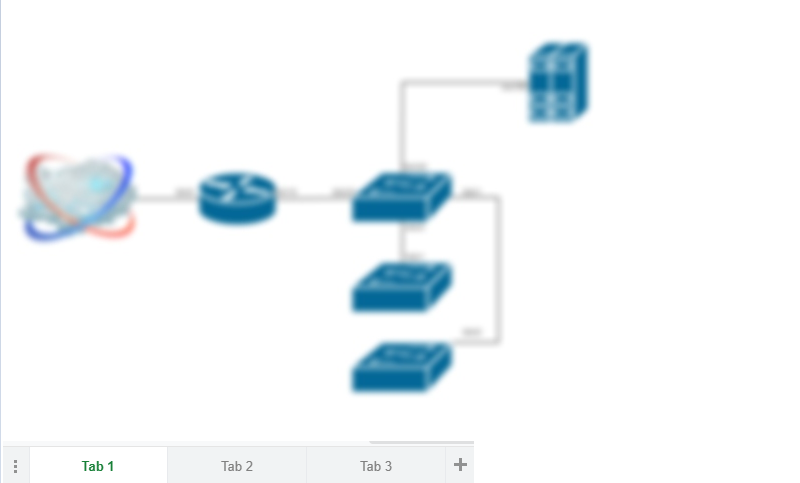
Examples of visualization page with multi tabs diagram:
@ssddanbrown commented on GitHub (Sep 30, 2020):
Hi @1vicente,
With the core content that gets stored on a BookStack page I try to keep it as standard/plain as possible to prevent unnecessary lock-in to the platform for users. Currently we store these drawings as png, with a copy of the diagram embedded within, for such portability and ease-of-managment. Therefore I would not look to include this functionality directly within the platform since we'd need to rely on this particular format.
That said, I think there may be a way this can be done right now. Within the drawing editor you can go: File > Embed > Iframe > (Adjust Settings) > Create. You should be then able to copy some HTML
<iframe>code.Exit out the editor, On your BookStack page there's an insert media button (Next to drawing button). Click that then go to the embed tab and insert the drawing code then press okay then save the page. This should insert a "Viewer" box for that particular drawing with buttons to change page. This does rely on diagrams.net being live and, although you can edit from the viewer, you might need to do some additional management for updating the drawing.
@ssddanbrown commented on GitHub (Oct 13, 2020):
Since a potential workaround has been posted above, and since I've confirmed my stance on a more integrated solution, I'll close this off.