Image missing error #1215

Closed
opened 2026-02-05 00:16:25 +03:00 by OVERLORD · 9 comments
Owner

Originally created by @madsmka on GitHub (Jun 3, 2019).

After creating a new server with bookstack version v0.26.2 and moving our database and pictures, if I were to use the picture we already have it doenst show up in the book, but if i upload a new picture the new picture works fine.

image

The pictures works fine in the "old books" where they already where added, but again if i try to add the picture again it doenst work.

If I look at the picture in the image selector, the picture is missing aswell. If I click on the error picture it opens the picture in a new tab fine. (It also shows the picture in the image selector list)

image

Steps to reproduce the behavior:

  1. Go to a book
  2. Click on Edit
  3. Click on Image selector
  4. Find a picture already added, and try to use it

Config:

  • Exact BookStack Version: v0.26.2
  • PHP Version: v7.2.17-0ubuntu0.18.04.1,
  • Hosting Method: Apache/2.4.29
Originally created by @madsmka on GitHub (Jun 3, 2019). After creating a new server with bookstack version v0.26.2 and moving our database and pictures, if I were to use the picture we already have it doenst show up in the book, but if i upload a new picture the new picture works fine. ![image](https://user-images.githubusercontent.com/47882801/58797894-6e972800-8601-11e9-8cde-df3218c66e62.png) The pictures works fine in the "old books" where they already where added, but again if i try to add the picture again it doenst work. If I look at the picture in the image selector, the picture is missing aswell. If I click on the error picture it opens the picture in a new tab fine. (It also shows the picture in the image selector list) ![image](https://user-images.githubusercontent.com/47882801/58797949-94243180-8601-11e9-9ac2-a2b67db7cde5.png) Steps to reproduce the behavior: 1. Go to a book 2. Click on Edit 3. Click on Image selector 4. Find a picture already added, and try to use it Config: - Exact BookStack Version: v0.26.2 - PHP Version: v7.2.17-0ubuntu0.18.04.1, - Hosting Method: Apache/2.4.29
OVERLORD added the 🐕 Support label 2026-02-05 00:16:26 +03:00
Author
Owner

@ssddanbrown commented on GitHub (Jun 4, 2019):

Hello @madsmka,
With the server move, have you also changed domains or does the domain stay the same? Have to changed from http to https as part of this move?

Could you confirm where you uploaded your previous images to and what your current STORAGE_TYPE value is in your .env?

@ssddanbrown commented on GitHub (Jun 4, 2019): Hello @madsmka, With the server move, have you also changed domains or does the domain stay the same? Have to changed from http to https as part of this move? Could you confirm where you uploaded your previous images to and what your current `STORAGE_TYPE` value is in your `.env`?
Author
Owner

@madsmka commented on GitHub (Jun 4, 2019):

Hello

No I have not changed domain it's the same as before and no we used HTTPS before aswell.

New Server STORAGE Type: local_secure
Old server STORAGE Type: local_secure

New Server image location: /var/www/bookstack/storage/uploads/images/gallery/*
Old Server image location: /var/www/bookstack/storage/uploads/images/gallery/*

Whats weird is that the image works fine in the list, as you can see here it's just the preview thats not showing (It's also not showing if we add it to a page):
image

And if i click on the missing image, it opens the URL fine and shows the image:
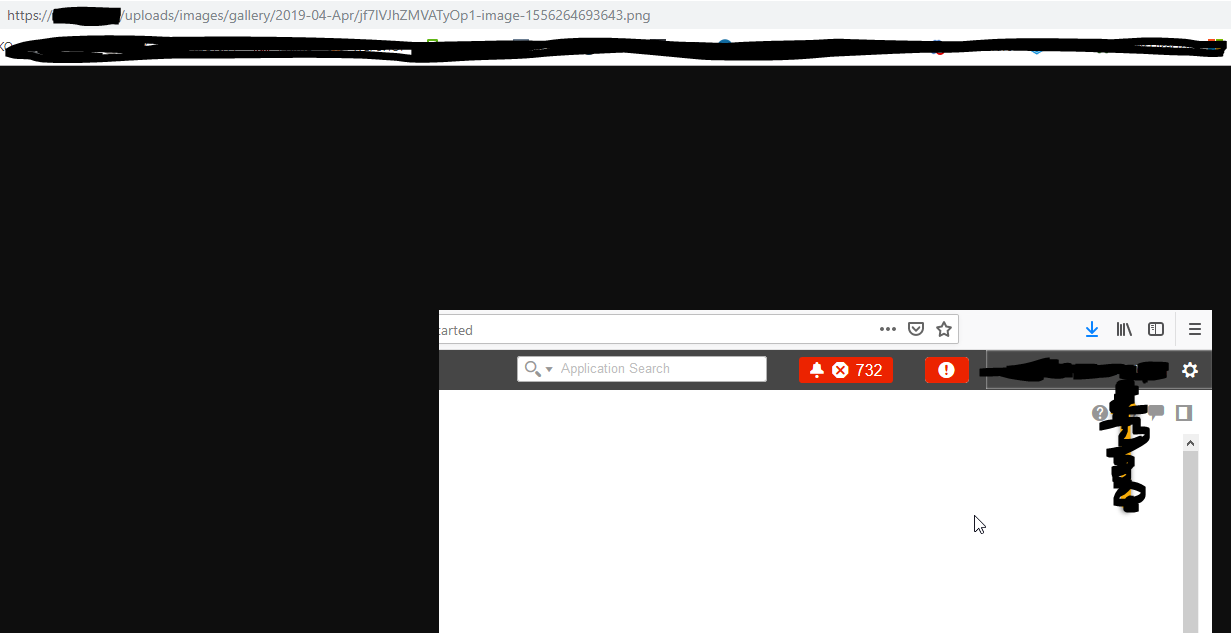
image

@madsmka commented on GitHub (Jun 4, 2019): Hello No I have not changed domain it's the same as before and no we used HTTPS before aswell. New Server STORAGE Type: local_secure Old server STORAGE Type: local_secure New Server image location: /var/www/bookstack/storage/uploads/images/gallery/* Old Server image location: /var/www/bookstack/storage/uploads/images/gallery/* Whats weird is that the image works fine in the list, as you can see here it's just the preview thats not showing (It's also not showing if we add it to a page): ![image](https://user-images.githubusercontent.com/47882801/58863324-ec673c00-86b2-11e9-9b4e-2106da988a25.png) And if i click on the missing image, it opens the URL fine and shows the image: ![image](https://user-images.githubusercontent.com/47882801/58863410-13257280-86b3-11e9-8def-c6d32fc73a7d.png)
Author
Owner

@ssddanbrown commented on GitHub (Jun 4, 2019):

@madsmka Hmm, That's odd. It's like all the generated thumbnail sizes are not on the new server.
Within your images folders that would have been a bunch of folders like thumbs-800 or something like that with resized copies of images, were these also copied over?

@ssddanbrown commented on GitHub (Jun 4, 2019): @madsmka Hmm, That's odd. It's like all the generated thumbnail sizes are not on the new server. Within your images folders that would have been a bunch of folders like `thumbs-800` or something like that with resized copies of images, were these also copied over?
Author
Owner

@madsmka commented on GitHub (Jun 4, 2019):

Yes I also copied all the thumbs, and if I click on the error preview picture it browses to the picture fine:
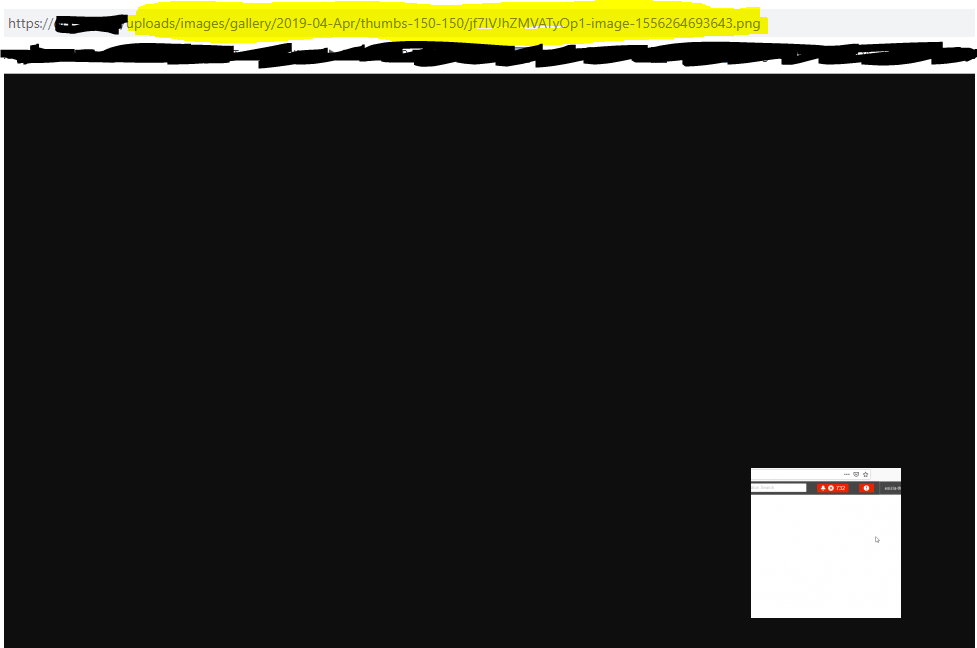
image

If I add the picture to the page, and click on the image it also browses to the image fine:
image

image

This is the things that I copied over, and there is no folder like thumbs-800 but we got scaled-840-0 and thumbs-150-150:

image

If I look at the new image I added that works fine, in the scaled directory is named scaled-1680- instead of the scaled-840-0 that all our old picture have but I dont know if this matters:

image

@madsmka commented on GitHub (Jun 4, 2019): Yes I also copied all the thumbs, and if I click on the error preview picture it browses to the picture fine: ![image](https://user-images.githubusercontent.com/47882801/58865052-1ec66880-86b6-11e9-9544-f8d35fe03a83.png) If I add the picture to the page, and click on the image it also browses to the image fine: ![image](https://user-images.githubusercontent.com/47882801/58865174-61884080-86b6-11e9-8e64-e02fa4be79c7.png) ![image](https://user-images.githubusercontent.com/47882801/58866085-153e0000-86b8-11e9-920b-4693880fe085.png) This is the things that I copied over, and there is no folder like thumbs-800 but we got scaled-840-0 and thumbs-150-150: ![image](https://user-images.githubusercontent.com/47882801/58865509-f68b3980-86b6-11e9-8c59-4ddd6a2dbb1e.png) If I look at the new image I added that works fine, in the scaled directory is named scaled-1680- instead of the scaled-840-0 that all our old picture have but I dont know if this matters: ![image](https://user-images.githubusercontent.com/47882801/58865689-4b2eb480-86b7-11e9-81aa-addcdb8a8d84.png)
Author
Owner

@ssddanbrown commented on GitHub (Jun 4, 2019):

If I look at the new image I added that works fine, in the scaled directory is named scaled-1680- instead of the scaled-840-0 that all our old picture have but I dont know if this matters:

No, That's fine, just a image size change I made in the latest release.

Could you open the browser development tools (Usually Ctrl + Shift + I), Then view the console tab and then refresh a page which contains non-loading images? Should see a bunch of red messages appear in the console, If you could post those red messages that would be great.

@ssddanbrown commented on GitHub (Jun 4, 2019): > If I look at the new image I added that works fine, in the scaled directory is named scaled-1680- instead of the scaled-840-0 that all our old picture have but I dont know if this matters: No, That's fine, just a image size change I made in the latest release. Could you open the browser development tools (Usually `Ctrl + Shift + I`), Then view the `console` tab and then refresh a page which contains non-loading images? Should see a bunch of red messages appear in the console, If you could post those red messages that would be great.
Author
Owner

@madsmka commented on GitHub (Jun 4, 2019):

It just shows this message:
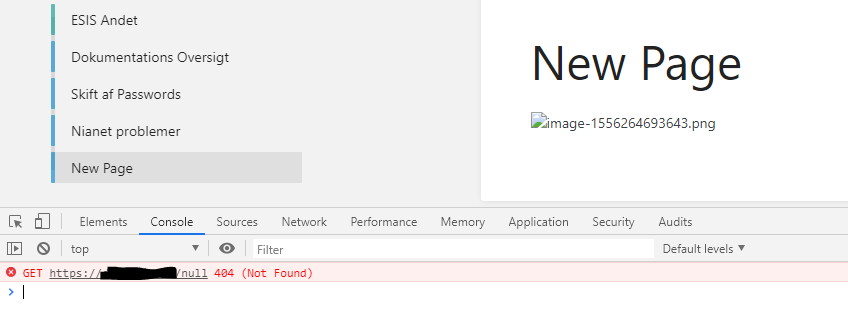
image

image

@madsmka commented on GitHub (Jun 4, 2019): It just shows this message: ![image](https://user-images.githubusercontent.com/47882801/58871128-bc736500-86c1-11e9-86e5-e4a49eb16ce9.png) ![image](https://user-images.githubusercontent.com/47882801/58871062-9d74d300-86c1-11e9-817e-374a4d27449b.png)
Author
Owner

@ssddanbrown commented on GitHub (Jun 4, 2019):

@madsmka Thanks, Unfortunately that does not tell us too much, but I think I know what this may be. I've done some testing on my side and could reproduce something similar when the web server did not have execute permissions on the sub-folders (scaled-840-0 etc...). Does apache have write & execute on all image directories?

@ssddanbrown commented on GitHub (Jun 4, 2019): @madsmka Thanks, Unfortunately that does not tell us too much, but I think I know what this may be. I've done some testing on my side and could reproduce something similar when the web server did not have execute permissions on the sub-folders (`scaled-840-0` etc...). Does apache have write & execute on all image directories?
Author
Owner

@madsmka commented on GitHub (Jun 4, 2019):

Does apache have write & execute on all image directories?

I went through the subfolders and some of them was indeed missing Write&Execute. I found some where the permissions was correct, I tried testing the pictures in that folder and they worked like they should. So I chmod -R on the gallery folder to fix the permissions on the subfolders which solved the problem!

I don't know how this happend, maybe I forgot an argument while copying some of the folders.

Thank you so much for the fast help, and good job on version 0.26 it looks great! :)

@madsmka commented on GitHub (Jun 4, 2019): > Does apache have write & execute on all image directories? I went through the subfolders and some of them was indeed missing Write&Execute. I found some where the permissions was correct, I tried testing the pictures in that folder and they worked like they should. So I chmod -R on the gallery folder to fix the permissions on the subfolders which solved the problem! I don't know how this happend, maybe I forgot an argument while copying some of the folders. Thank you so much for the fast help, and good job on version 0.26 it looks great! :)
Author
Owner

@ssddanbrown commented on GitHub (Jun 4, 2019):

@madsmka Awesome, Happy to hear that done the job. Thanks for the kind feedback.

@ssddanbrown commented on GitHub (Jun 4, 2019): @madsmka Awesome, Happy to hear that done the job. Thanks for the kind feedback.
Sign in to join this conversation.
1 Participants
Notifications
Due Date
No due date set.
Dependencies

No dependencies set.

Reference: starred/BookStack#1215